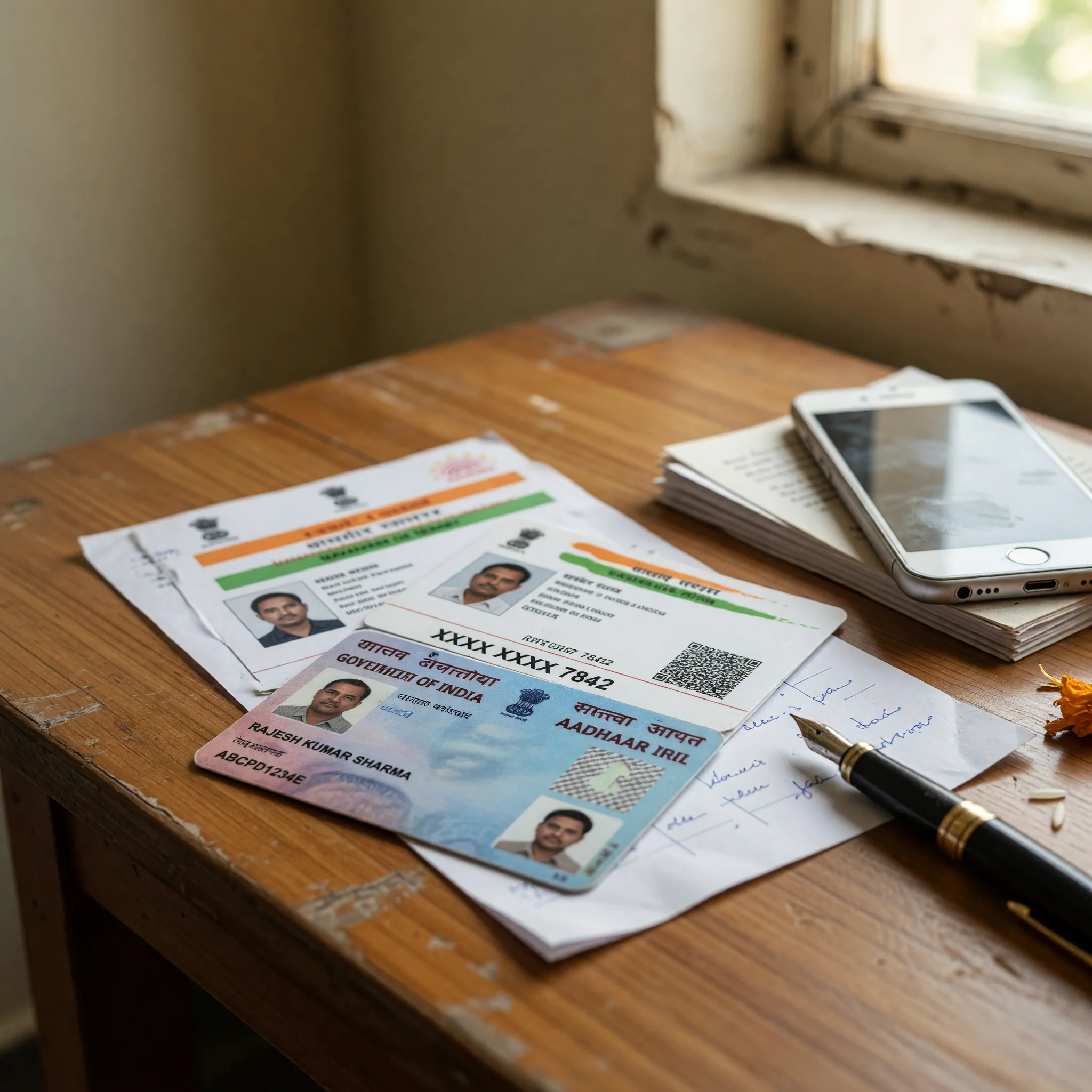
PAN verification
The PAN (Permanent Account Number) is issued by the Income Tax Department. The KYC step matches your PAN to the name on the bank account on file. Upload a clear photograph of the PAN card; the platform verifies against the Income Tax Department's records.
The PAN verification typically completes within minutes. A mismatch — a different name on the PAN than the name on the bank account — is the most common rejection reason. Resolve by aligning the name on both documents or by contacting the bank to update the name on the account.
Aadhaar verification
Aadhaar is the address proof issued by UIDAI. The KYC step matches your Aadhaar to the address on file. Upload a clear photograph of the Aadhaar card or use the DigiLocker pre-fill flow, which is the cleanest option for most readers.
The Aadhaar verification typically completes within minutes. A blurred image, a masked Aadhaar number, or a mismatch with the PAN name triggers a rejection. Re-upload with a clear image or align the names.
UPI verification
UPI (Unified Payments Interface) is the default payment rail. To verify a UPI handle, enter the handle (e.g. name@bank) and confirm the bank account linked to the handle. The platform never sees your UPI PIN; the verification is a handle lookup.
The UPI verification typically completes instantly. A mismatch — a handle linked to a different name — is the most common rejection. Resolve by using a handle linked to a savings account in your own name.
Penny-drop test
The penny-drop test is the bank account verification for non-UPI rails (IMPS, NEFT, net-banking). The platform deposits a small amount (typically ₹1) and asks you to confirm the exact amount received. The penny-drop test confirms the account number, the IFSC, and the account-holder name.
The penny-drop test typically completes within minutes. A failure usually means an inactive account, a closed account, or a name mismatch. Confirm the account is active and in your own name; re-test if necessary.
When a document is rejected
A rejected document is not the end of the KYC process. Most rejections have a clear reason:
- Blurry image — re-upload with a clear photograph
- Name mismatch — align the names across PAN, Aadhaar, and bank account
- Expired document — re-upload with a current document
- Wrong document type — upload the requested document (PAN, Aadhaar, bank statement)
If the rejection reason is unclear, contact customer care and ask for the specific reason in writing. A platform that refuses to give a reason is a desk flag in the review ledger.
The verification timeline
Most readers complete KYC within 30 minutes of sign-up. The fastest path is DigiLocker pre-fill (PAN + Aadhaar) followed by UPI handle verification. The slowest path is the penny-drop test for IMPS / NEFT, which adds a few hours for the deposit and confirmation.
KYC questions, answered
Is KYC mandatory?
Yes. Regulators require KYC for any real-cash play. Free-play or social-play rooms do not require KYC but do not involve financial risk.
What documents do I need?
PAN (mandatory), Aadhaar or address proof (mandatory), and a bank account in your own name (mandatory). DigiLocker pre-fill handles PAN + Aadhaar.
How long does KYC take?
Most readers complete KYC within 30 minutes. The slowest path is the penny-drop test, which adds a few hours.
What if my name is different across documents?
Align the names. The PAN, Aadhaar, and bank account must all show the same name. Contact the bank or UIDAI to update if necessary.
Can I play without KYC?
Only on free-play or social-play rooms. Real-cash play requires KYC under all licensed operator frameworks.